
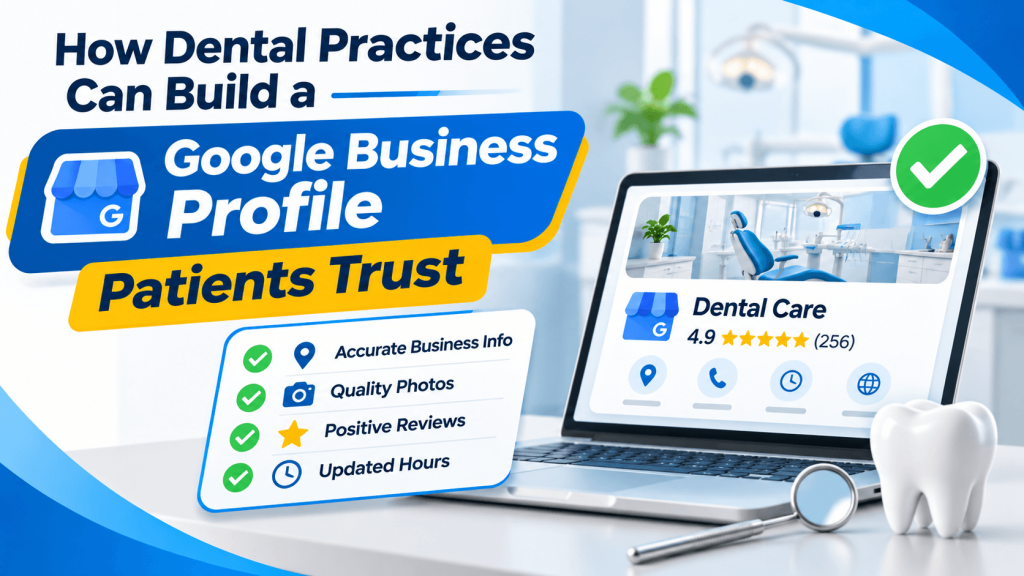
A family new to Denver needs a dentist who takes their insurance, has Saturday hours, and treats kids. They search on their phone and compare three practices in a minute or two. The office with complete, clear information gets the call. The one with blank fields and a single blurry photo gets skipped.
For many patients, your Google Business Profile is the first impression of your practice, long before they visit your website.
Fill In the Details Patients Actually Check
Start with the basics: your exact practice name, address, phone number, and website. Then choose a primary category that describes your practice accurately, such as general dentist, pediatric dentist, or orthodontist. Add secondary categories only when they reflect services you truly provide.
Hours deserve extra attention. Include holiday hours and note any evening or weekend availability. If you offer emergency appointments, say so in your business description in plain language. Mention whether you are accepting new patients, since that is often the first thing a family wants to know.
Show the Practice, Not Just the Logo
Nervous patients want to know what to expect. Real photos of your waiting room, treatment rooms, front desk, and team help them picture the visit. Add a few new images each season so the profile feels current.
Use the services section to list common treatments in everyday terms, like cleanings, fillings, crowns, and teeth whitening. Patients rarely search with clinical language, so match the words they actually use. If you offer sedation, Spanish-speaking staff, or wheelchair access, add those details too, because they can decide where an anxious patient books.
Keep Your Information Consistent Beyond Google
Patients often double-check a practice on more than one site before booking. If your hours or phone number differ between Google, your website, and online directories, it can raise doubts. Review your listings whenever you change hours, add a dentist, or move offices.
Health-focused directory pages can support that consistency. Listing your office in the Dental Care section of boblistings.org/ gives people browsing for local dentists another accurate source for your contact details and services.
Also make a habit of responding to reviews politely and briefly, without sharing any patient health information in your replies.
Conclusion
A strong profile does not need clever wording. It needs complete, accurate, and current information that answers a patient's questions quickly. Set aside an hour this month to review your Google Business Profile, then confirm that your listings elsewhere, including boblistings.org/, match it.
Frequently Asked Questions
Can I list each dentist in my practice separately?
Google’s guidelines allow individual profiles for public-facing practitioners in some situations, such as a multi-dentist practice. Review Google’s current rules for practitioner listings before creating them, and make sure each profile is clearly connected to the practice so patients are not confused.
Should I mention the insurance plans we accept?
Yes, if you can keep the information accurate. Many patients filter their choices by insurance first. A short line in your description and a dedicated page on your website work well. Update both whenever you join or leave a network to avoid frustrating callers.
How should we reply to a negative review?
Keep it calm, short, and general. Thank the reviewer, acknowledge the concern, and invite them to call the office to discuss it. Never confirm that the reviewer is a patient or mention treatment details, since that could create privacy problems under HIPAA.
How often should we post updates on our profile?
There is no required schedule. Posting occasional updates about new services, holiday hours, or community events keeps the profile current for visitors. Focus on useful information rather than posting for the sake of frequency, and remove posts that become outdated, such as expired seasonal offers.
Do photos on our profile really make a difference?
Photos help patients understand your office before they arrive, which can make a nervous first visit feel easier. Use clear, recent images of real spaces and staff. Avoid stock photos, since patients may feel misled when the office looks different in person.